Multi-Process Suite: Automating Multiple Connected Business Processes
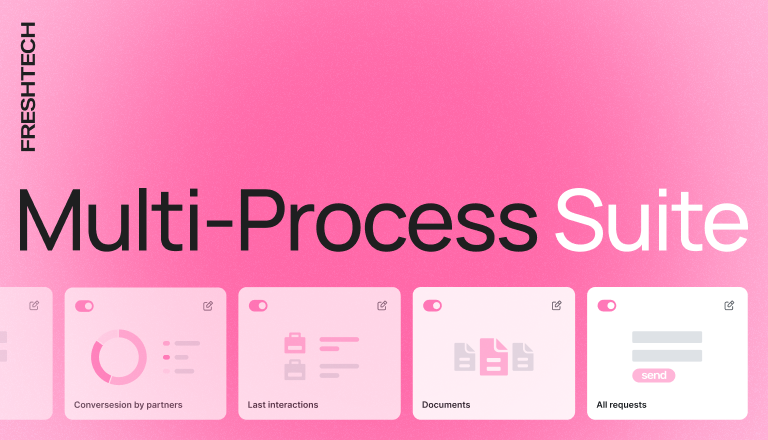
Automating a single process covers only part of an operational workflow, while the steps before and after it often remain manual. As a result, data has to be transferred between different systems and spreadsheets, and departments work with fragmented information. Read on to learn how to automate several connected processes with Multi-Process Suite.
What is Multi-Process Automation Suite?
Multi-Process Suite is the automation of several connected processes within a single operational workflow. The processes share a common database, and transitions between steps happen automatically.
The solution is deployed on Spiro, a low-code platform that can be flexibly configured to match the company’s actual operating structure, including user roles and document approval routes.
If you only need to automate one process, start with Quick Process Automation. Later, once you have seen the results in practice, you can move on to Multi-Process Suite and cover the other processes in the workflow.
🔍 Learn more about this approach on the Quick Process Automation page.
Multi-Process Automation Suite configurations
Multi-Process Suite is available in four configurations for the most common operational workflows. Each one starts with Process Discovery: an analysis of the company’s specifics and the connections between processes before development begins.
Sales Ops Suite
Combines the full sales cycle, from first contact to payment tracking: leads and the sales pipeline, automatic manager assignment, proposal generation from a template, proposal approval, contract preparation, and invoicing.
Finance Ops Suite
Covers financial operations, from purchase request to cash flow control: budget checks, approval by amount, payment confirmation, payment allocation by category, accounts receivable tracking, and reporting for the CFO.
HR & People Suite
Automates the HR cycle from opening a vacancy to handover of duties when an employee leaves: hiring requests, candidate management, job offers, onboarding, leave management, task setting with KPI tracking, and performance reviews.
Custom Multi-Flow
A custom automation of 3–6 connected processes built around the specifics of your business or industry. It is a good fit when your operational workflow doesn’t match the standard configurations, or when you need to bring processes from different departments into a single system.
For example, for an HVAC company, Custom Multi-Flow covers the customer request, technician dispatching, on-site work logging, the completion report, invoicing, and maintenance tracking.
🔍 Implementation timelines and costs for each configuration are available on the Multi-Process Automation Suite page.
What results can automating connected processes deliver?
⚪ Centralized database. All processes in the workflow are managed in a single system on the Spiro platform, with a shared database. Data is passed to the next steps automatically, so it doesn’t have to be transferred manually between systems and spreadsheets. This removes sources of errors and duplication, since all departments work with the same up-to-date information.
⚪ Management dashboard. Key business metrics are gathered in one place and reflect the actual state of the business. Managers no longer need to compile reports from different sources or wait for summaries from departments.
⚪ Integrations with existing systems. Spiro integrates with accounting systems, banking APIs, CRM systems, and other services the company already uses. During implementation, existing data is migrated to the new system, and the integrated systems remain part of a single workflow. Specific integrations are determined at the Process Discovery stage.
⚪ Scaling with your business. The number of users is unlimited, and the system can be developed in stages: new processes can be added, and later the solution can be expanded to Industry Operations Hub.
Multi-Process Suite brings several business processes together in a single system, so the business manages the entire operational workflow rather than its individual parts.
Ready for end-to-end automation? Leave your contact details in the form, and we will discuss your task on a free 30-minute call and provide a preliminary estimate of cost and timelines.