Identity, UI/UX or Redesign: How to Know What Your Product Needs
Every project starts from a different point: no established identity, the need to design an interface from scratch, or UX optimization. Product design plays a different role in each case: building recognition, structuring interaction logic, or removing barriers between users and their goals. Read on to find out which of these your product actually needs.
The design process always starts with research into the audience, their tasks, and their behavior. This analysis becomes the basis for the product's logic and information architecture. From there, the format of the work depends on the specific task: building a digital identity, designing a product, or redesigning one. Below, we break down each of these directions in more detail.
Digital identity
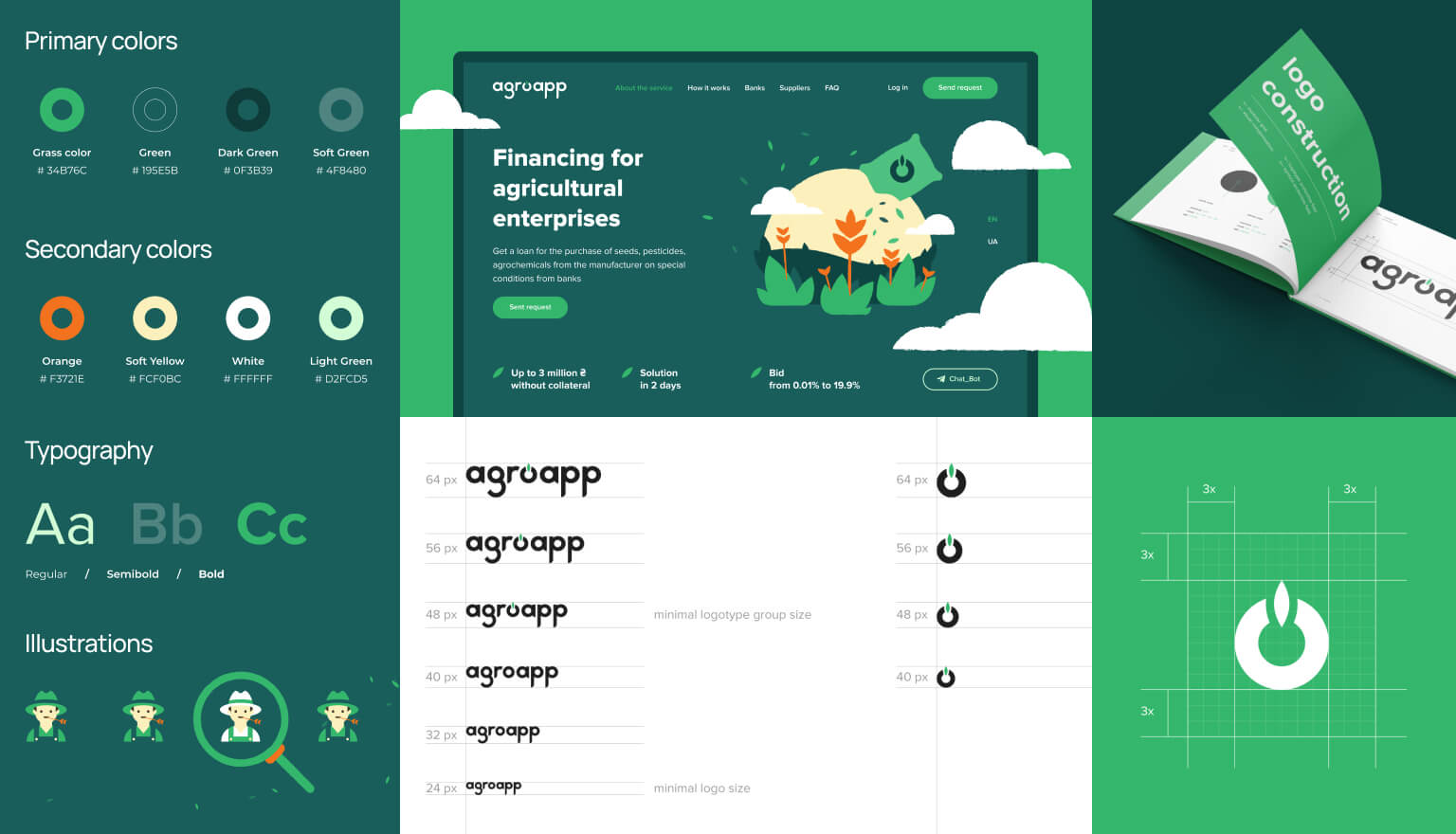
Digital identity is a set of visual elements that make a product recognizable across the app, the website, the App Store or Google Play, and social media. It includes the logo in all necessary formats, a color system with primary, neutral, and semantic colors, and a typographic scale for headings and body text. This set is rounded out by a UI Kit with basic components in Figma and Design Tokens, the same colors and fonts represented as CSS variables ready for handoff to development.
Identity is often confused with branding, though the two differ in scope. Branding covers positioning strategy, naming, Tone of Voice, sub-brand architecture, and offline collateral. Digital identity, on the other hand, turns an existing strategy into concrete digital assets: a logo, colors, fonts, and components ready to use in the product.
When do you need an identity?
⚪️ The website, app, and logo were built by different vendors, and the product doesn't read as a single brand
⚪️ There are no approved standards, so the team decides on colors, buttons, and fonts from scratch every time
⚪️ The product is moving from MVP to public launch, and without a visual system, the interface will need to be rebuilt after launch
⚪️ A pitch to investors or clients is coming up, and the product doesn't look ready for that level of presentation
⚪️ There's a logo, but no guidance around it: it's unclear how to use it or what to hand off to development
⚪️ The product is expanding to a new platform or channel and needs to look consistent across all of them
UI/UX design
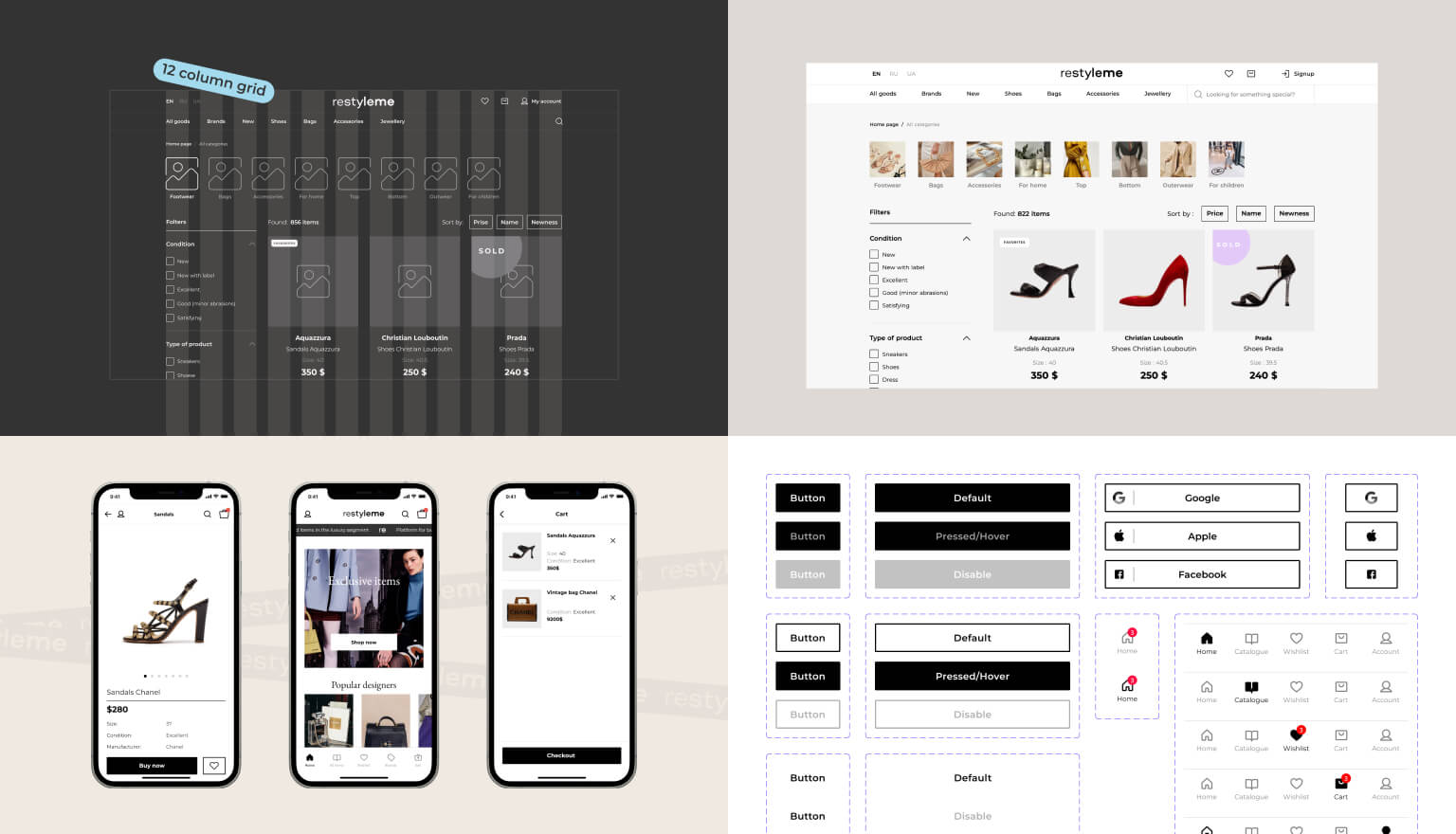
UI/UX design is the process of shaping a product from its logic through to the final interface. It starts with UX research: defining the audience, their tasks, and success metrics. Based on this research, wireframes are built, simple layouts of key screens showing element placement and information hierarchy. Next comes UI design for all screens, along with a design system that scales with the product and gets reused by the development team. The process wraps up with a clickable prototype for testing or for demos to investors.
When do you need UI/UX design?
⚪️ The product is being built from scratch, and it needs full-scope design, from audience research to the final interface
⚪️ A design from an agency or freelancer turns out to be technically unfeasible to implement, or implementing it would blow the planned budget
⚪️ There's no design system, so every developer makes their own calls on the interface
⚪️ The product functions correctly, but its look doesn't meet current standards and affects how clients perceive it
⚪️ The product is growing, and without an information architecture, new developers have to figure out the project's structure from scratch each time
⚪️ A clickable prototype is needed to validate an idea with investors or early users before committing to full development
Redesign
Unlike product design, a redesign doesn't start from a blank page. The product already has an audience, and every change affects their experience, so the first step isn't designing new screens, it's a UX audit. At this stage, the team analyzes user behavior, identifies the points where users run into friction, and evaluates the product against established usability heuristics.
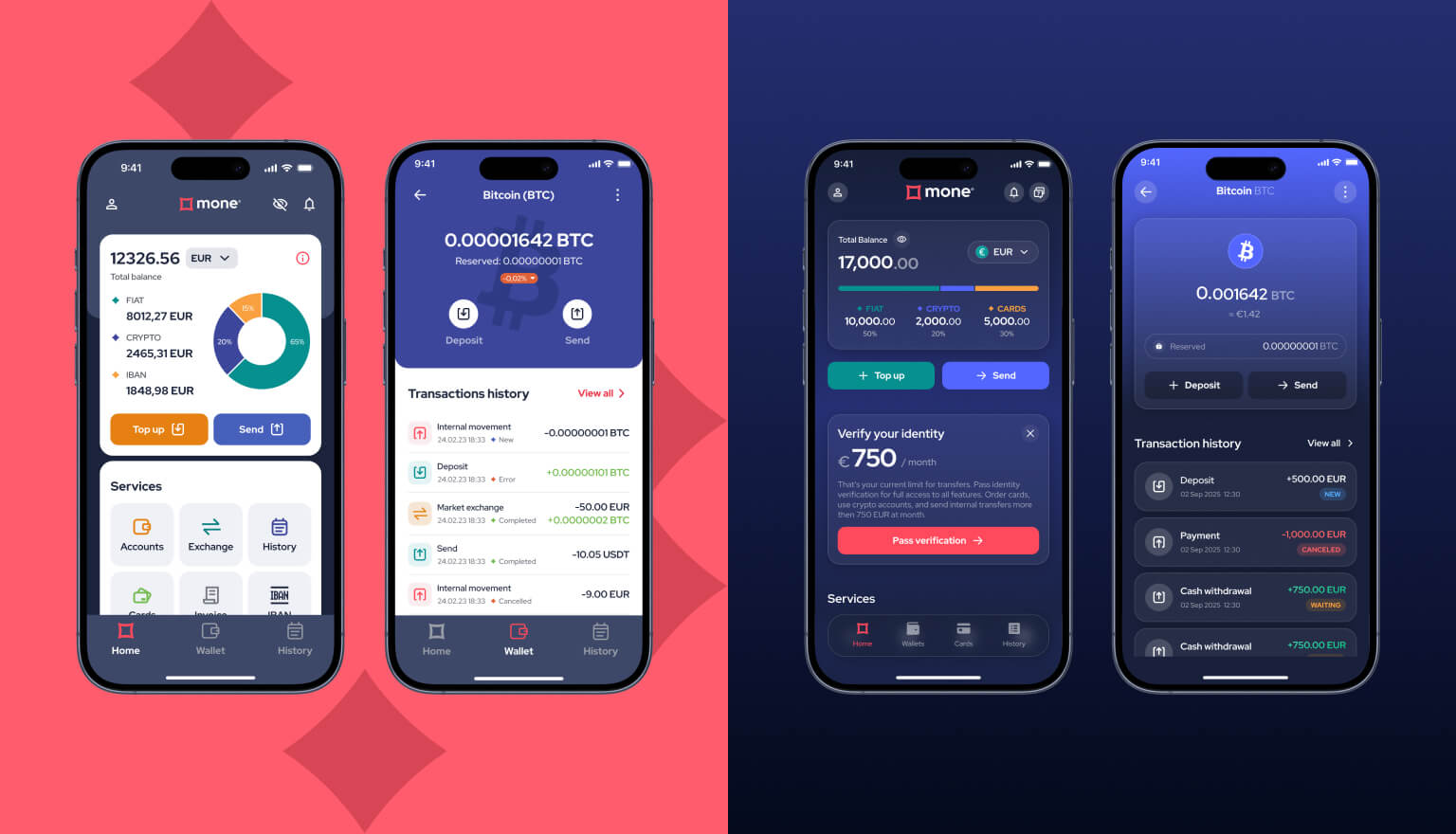
The audit findings shape the redesign strategy: what needs to change, what stays as is, and what can be removed. Not every problem calls for a full redesign; often it's enough to fix one or two critical flows, such as onboarding or checkout. From there comes the UI redesign, keeping the patterns users already know where that makes sense, followed by usability testing to compare the old and new designs.
When do you need a redesign?
⚪️ The product has low conversion at a key step, and the reason likely lies in the flow's structure
⚪️ User feedback mostly points to an inconvenient interface, not functional bugs
⚪️ With every new feature added without a unified design system, the product looks less and less consistent
⚪️ The product looks dated next to competitors, and new clients are noticing it
⚪️ An enterprise push or investor talks are coming up, and the product's current look undermines trust
Identity, UI/UX design, and redesign solve different problems, so the right direction depends on the current need or challenge. If there's no visual system in place, start with digital identity. If it's a new product launch, it calls for design from scratch. If the product is already on the market and has an audience, and the issue lies in conversion or usability, the first step is a UX audit, not a new design.
Ready for a change? Leave your contact details in the form, and we'll walk through your task on a free 30-minute call and give you a preliminary estimate of cost and timeline.