


en
- EN
- UA


Spiro 2.29 — Release Overview
The Spiro 2.29 release introduces a range of useful improvements that strengthen the platform’s capabilities for business. We’ve expanded the document generation features, increased the flexibility of interface settings, and refined the tools for operators’ daily tasks. Read on for a detailed overview of all the updates.
Improved document templates functionality
In Spiro 2.29, we significantly expanded the platform’s document management functionality. The system allows you to automatically generate any document using pre-created templates, and now you can also easily adjust the date formats for variables within these templates.
What this means in practice: templates previously supported time zone changes, but the Spiro update brings a wider set of options. You can adjust the display format, modify values (adding hours or minutes), and apply date or time zone offsets. Days of the week can now also be used as variables in document templates, with day and month names automatically displayed in the desired localization — Ukrainian, English, or any other language.
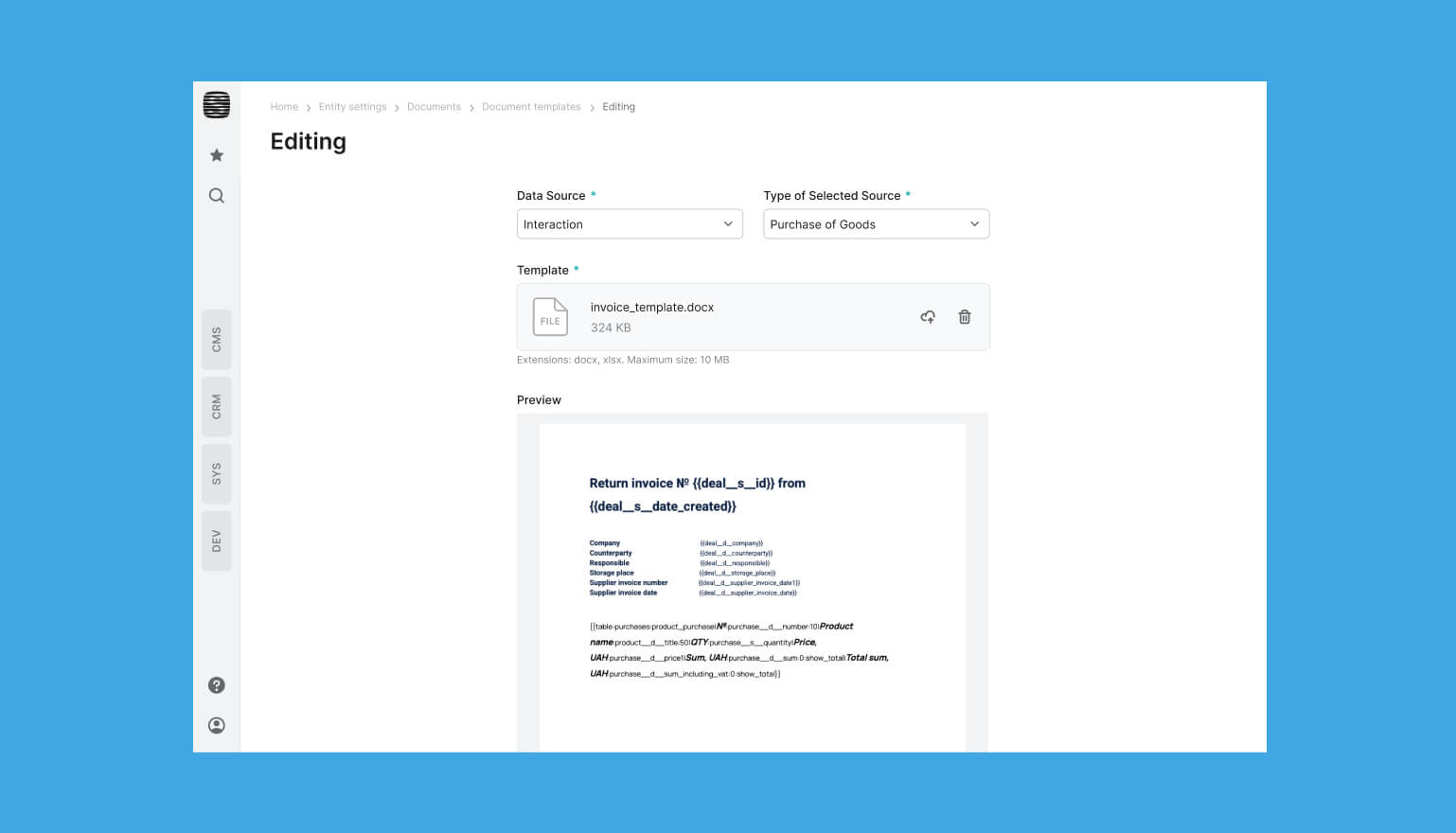
All of these capabilities are available out of the box across documents, tables, email templates, and requests. This allows you to send notifications about events in each user’s local time zone, automatically configuring dates and times for each recipient. As a result, document creation and communications are more flexible and aligned with your business context.
New general variables in document templates
In addition to the new date and time formatting options, document templates now support general variables that can also be used in email campaigns and integration requests. This means system values, such as the current time or system configuration parameters, can now be inserted into templates. Previously, these values weren’t available in templates, but with the new Spiro release, variables are now accessible directly in configuration hints.
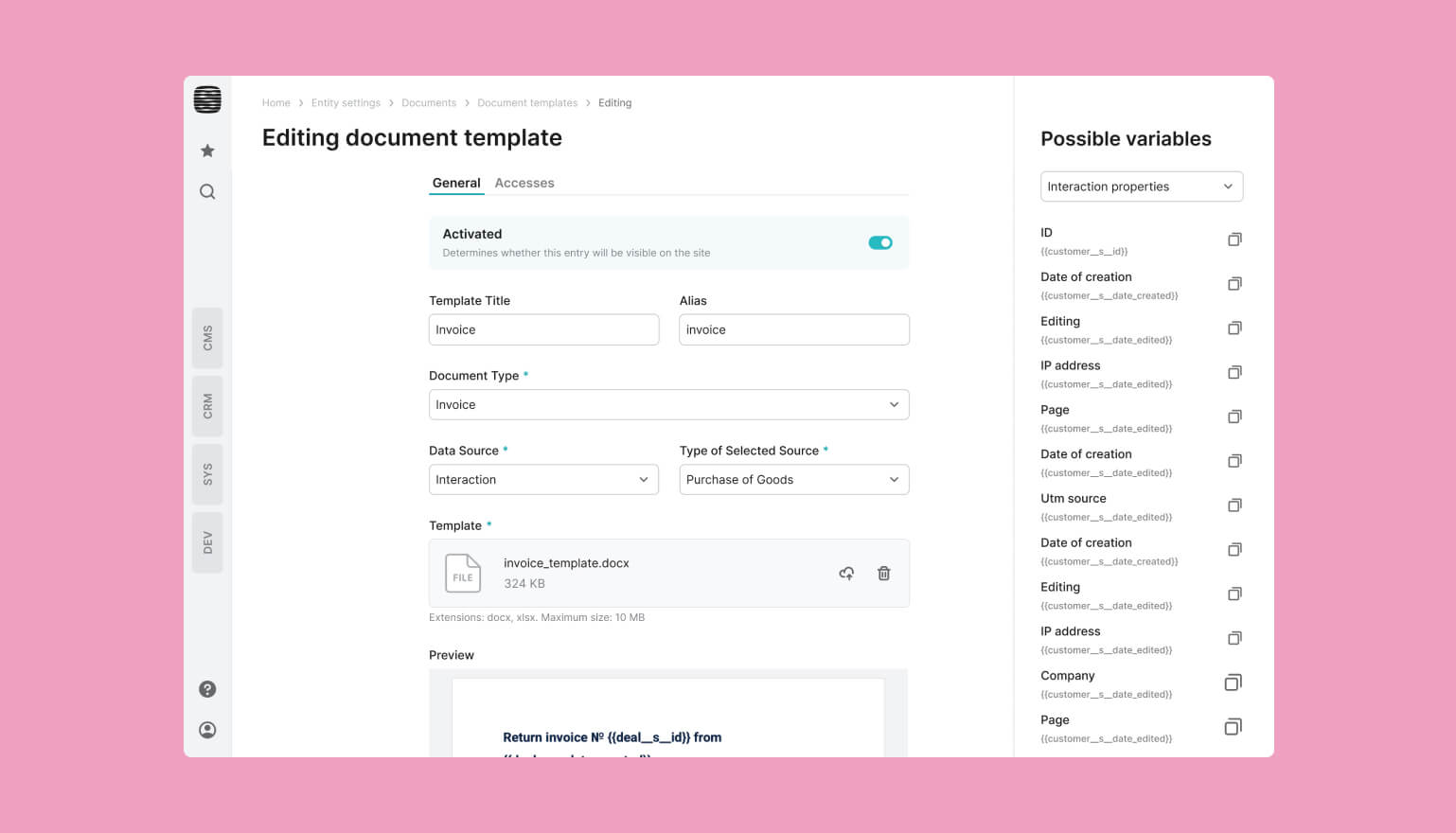
The new functionality significantly speeds up workflows, as system parameters can now be automatically added to user messages or used to generate notifications for administrators based on the system configuration.
Using related entities in templates
Related entities can now be used when creating and configuring document templates, email campaigns, and integration requests with other systems. This allows data such as the type of interaction or the current operator to be automatically populated.
For example, you can specify that a created interaction belongs to the "Write-off Act" type, or automatically fill the "Signatory" field with the name of the operator generating the document. These new capabilities in Spiro significantly speed up document generation, reducing the number of manual steps required.
Copying widgets
In the new Spiro release, we’ve expanded the dashboard functionality with the ability to copy widgets. You can now quickly create duplicates that are immediately added to your feed.
For example, if you need to track the same metrics for different operators or over different periods, you can create a copy of a widget and adjust only the necessary fields. Similarly, your colleagues can adapt the copy for their own tasks without affecting the original.
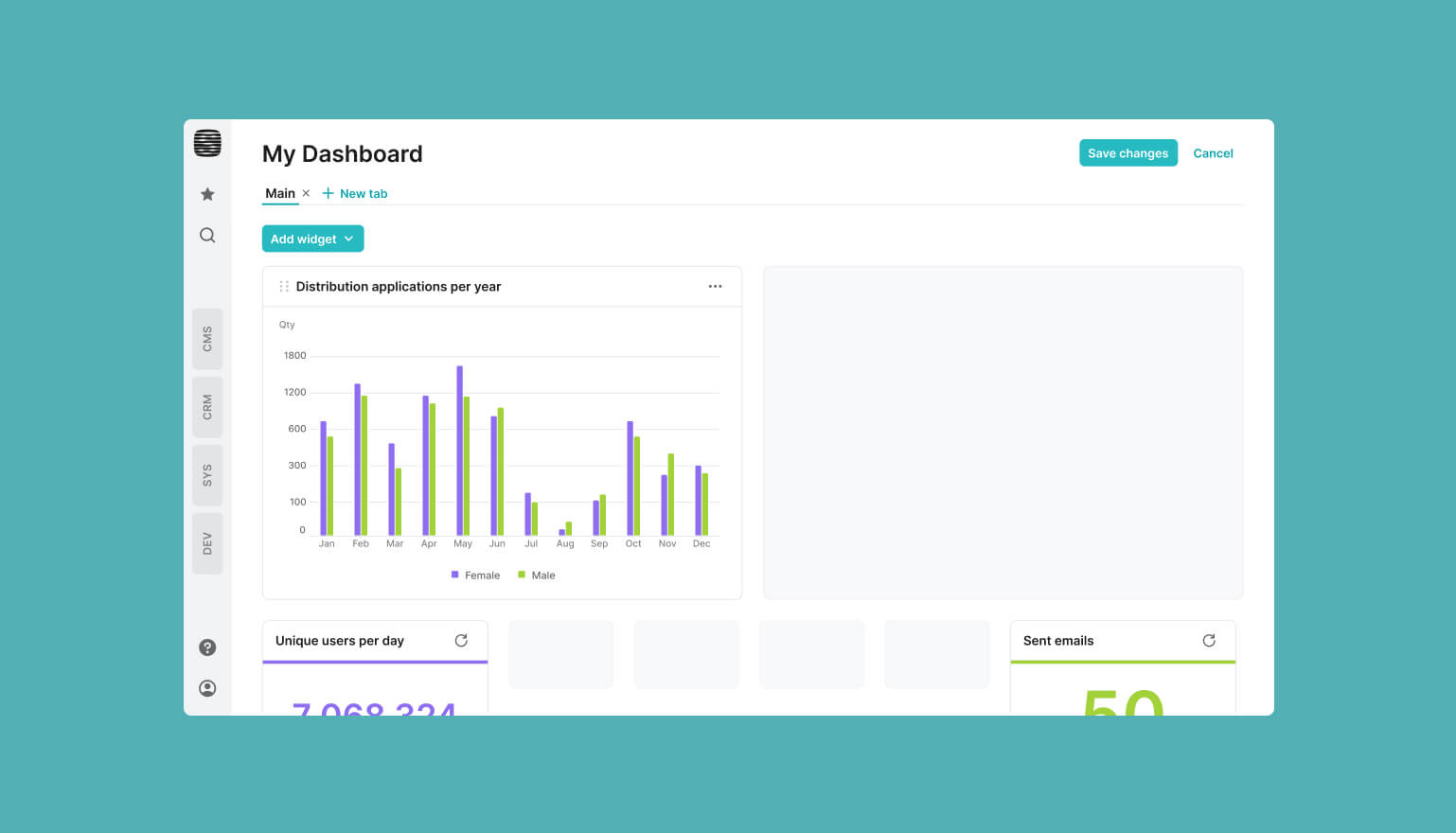
In practice, this increases the flexibility of dashboard settings and saves time. This feature is especially useful for users who need to monitor metrics across multiple data categories simultaneously.
Improvements to working with tables
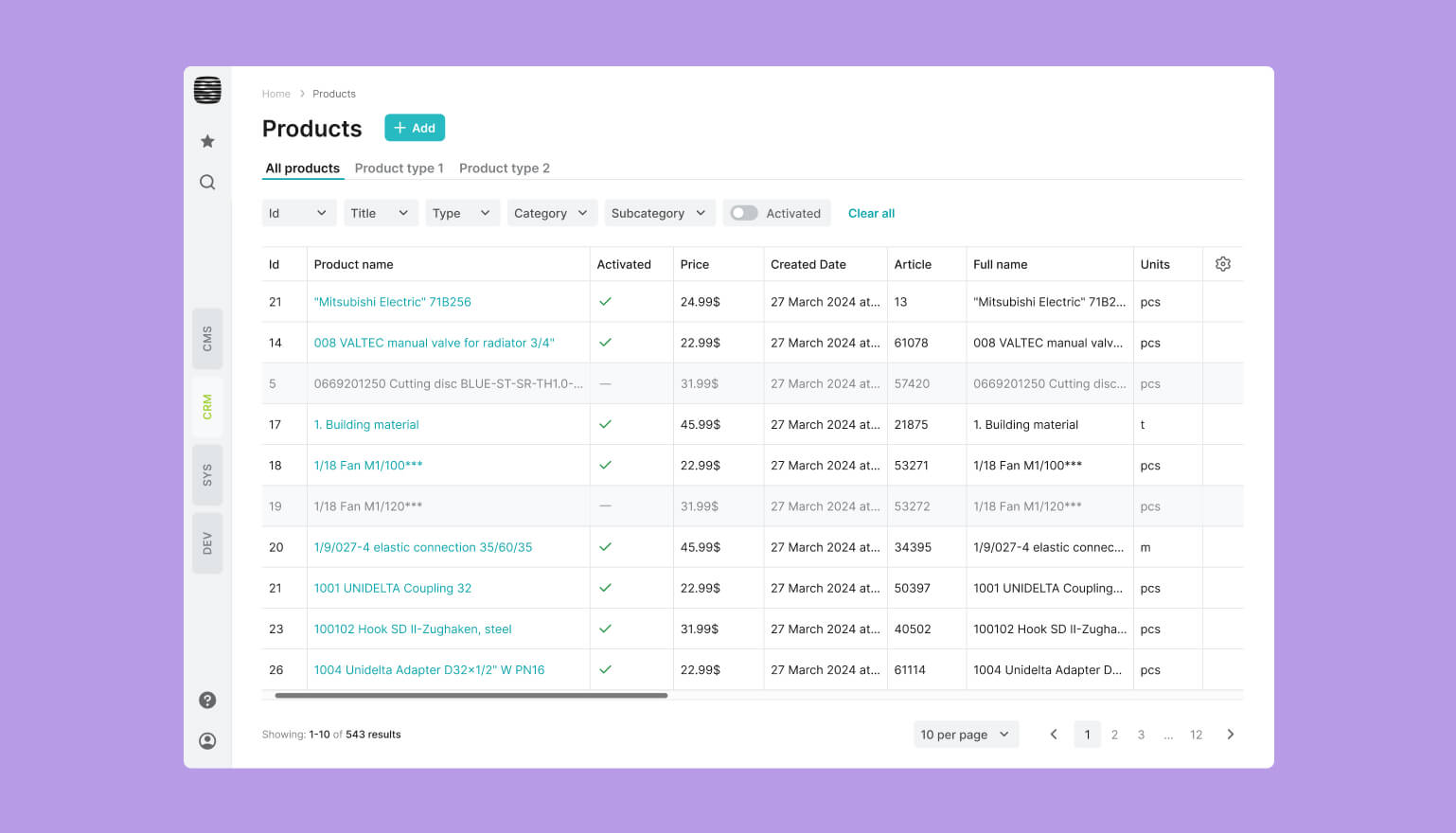
Table headers now remain fixed while scrolling, which is especially convenient when working with large datasets. Even in tables with hundreds of rows, you can always see which columns and parameters are displayed. This feature was implemented based on feedback from Spiro users.
Fixed headers support all standard table functions, including column resizing, sorting, parameter settings, and filtering. This layout makes it easier to navigate data quickly, as the information you need is always visible, regardless of the number of rows.
Targeted enhancements
In Spiro 2.29, we carried out extensive work to optimize various aspects of the platform. This includes improvements to the operator role management functionality for more flexible access control. We also refined password validation rules and updated the integration with Apple ID and Firebase Push.
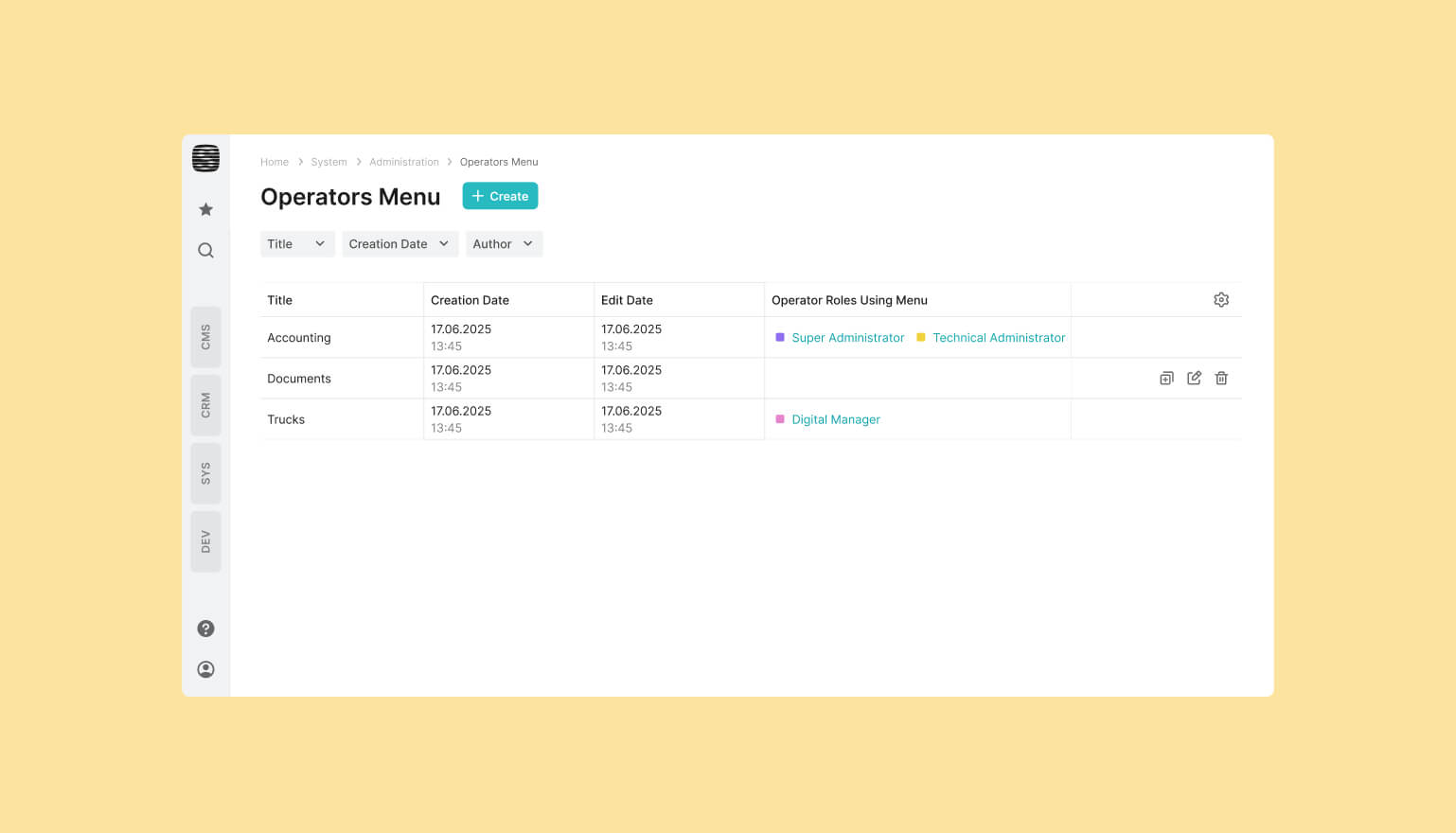
Another aspect worth highlighting is the operator’s custom menu. We’ve optimized its performance, making it even easier to tailor the Spiro interface to your company’s business logic and terminology.
All updates in the 2.29 release improve the system’s flexibility and make daily interaction with it even more intuitive and seamless. If you’d like to learn more about Spiro’s capabilities for your business, leave your contact details in the form. Our manager will get in touch to explain the platform’s features and benefits.



Bring your ideas to life with FreshTech
Hi! I'm Max Rybalko, Head of Business Solutions. Choose a convenient time, and we'll discuss how to turn your project
into reality